JSU CYBER SECURITY

JSU CYBER AWARENESS
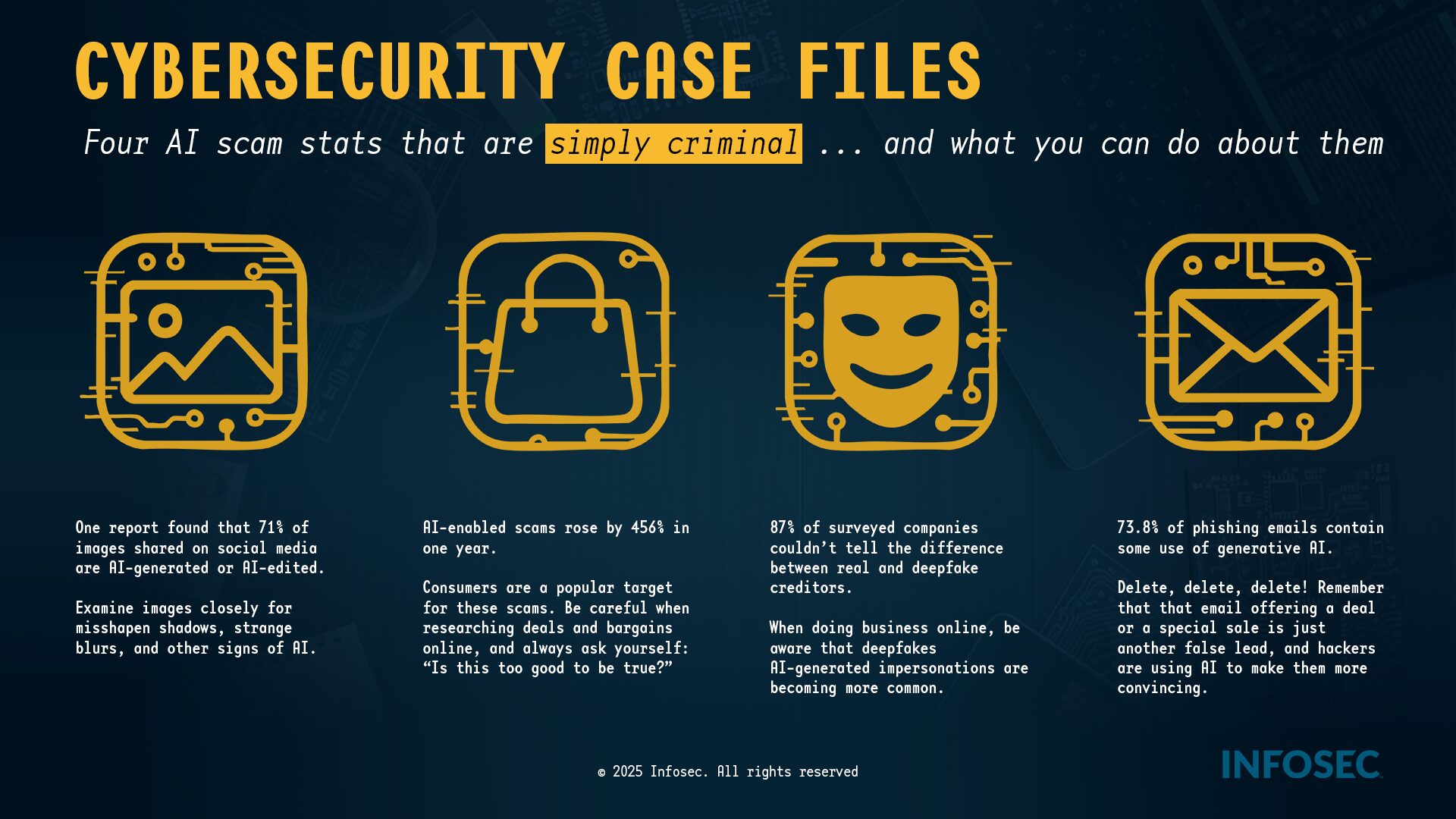
Deepfakes—videos, photos, or audio manipulated or created by AI—are designed to trick your
eyes and ears. Your first line of defense is skepticism.
Action
Red Flags to Look For
Look for inconsistencies in the face and hands. AI often struggles with:
Unnatural Blinking or no blinking at all.
Pause & Zoom in
Distorted or Wavy Backgrounds or shadows that don’t make sense
Teeth that look too perfect, blurry, or misshapen.
Hands with strange angles, too many or too few fingers.
Check for audio issues that suggest manipulation:
Listen Closely
Lip-Sync Mismatch: The words don’t perfectly match the mouth movements.
Robotic/Flat Voice: The tone is monotone, lacks natural emotion, or has
strange pauses/cadence.
Action Red Flags to Look For
Poor Audio Quality or inconsistent background noise.
Verify Before You Act. If the content is shocking, highly emotional, or
urges immediate action (like a money transfer)
Question the Source
Check Official Channels: Can you find the same information on the person’s
verified official website or social media?
Look for Context: Does the clip lack details like date, location, or official news
coverage?
Reverse Search: Use tools like Google Image Search or “TinEye” to see if the
image/video clip has been used elsewhere or flagged as fake.