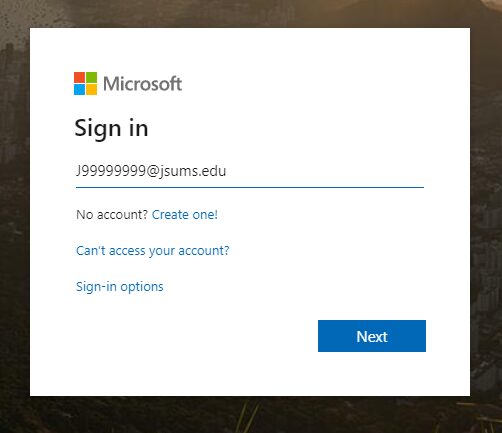
To sign in to Outlook on the web using your work or school account in Office 365:
-
Go to the Office 365 sign-in page or to Outlook.com. -
Enter your J-number email address(j-number@jsums.edu) and click "Next" -
Enter your NetID password -
Select "Sign in"
NOTE: You DO NOT need to "Create an account" as you already have one; j-number@jsums.edu
To reset your email account password, sign in to P.A.W.S and reset your NetID by clicking "Activate NetID, Change NetID Password"